
MacApple Vision Pro
Apple Create + Experience
Build in ProStory on a Mac, then view it in Story on Apple Vision Pro.
ExploreNew Now on PICO Space Pro
You build a space, then you put on a headset and walk into it. No code required. Teams use it for exhibitions, showrooms, classrooms and live events.
You arrange models, media, lighting and anchors on a timeline, then set what reacts to what.
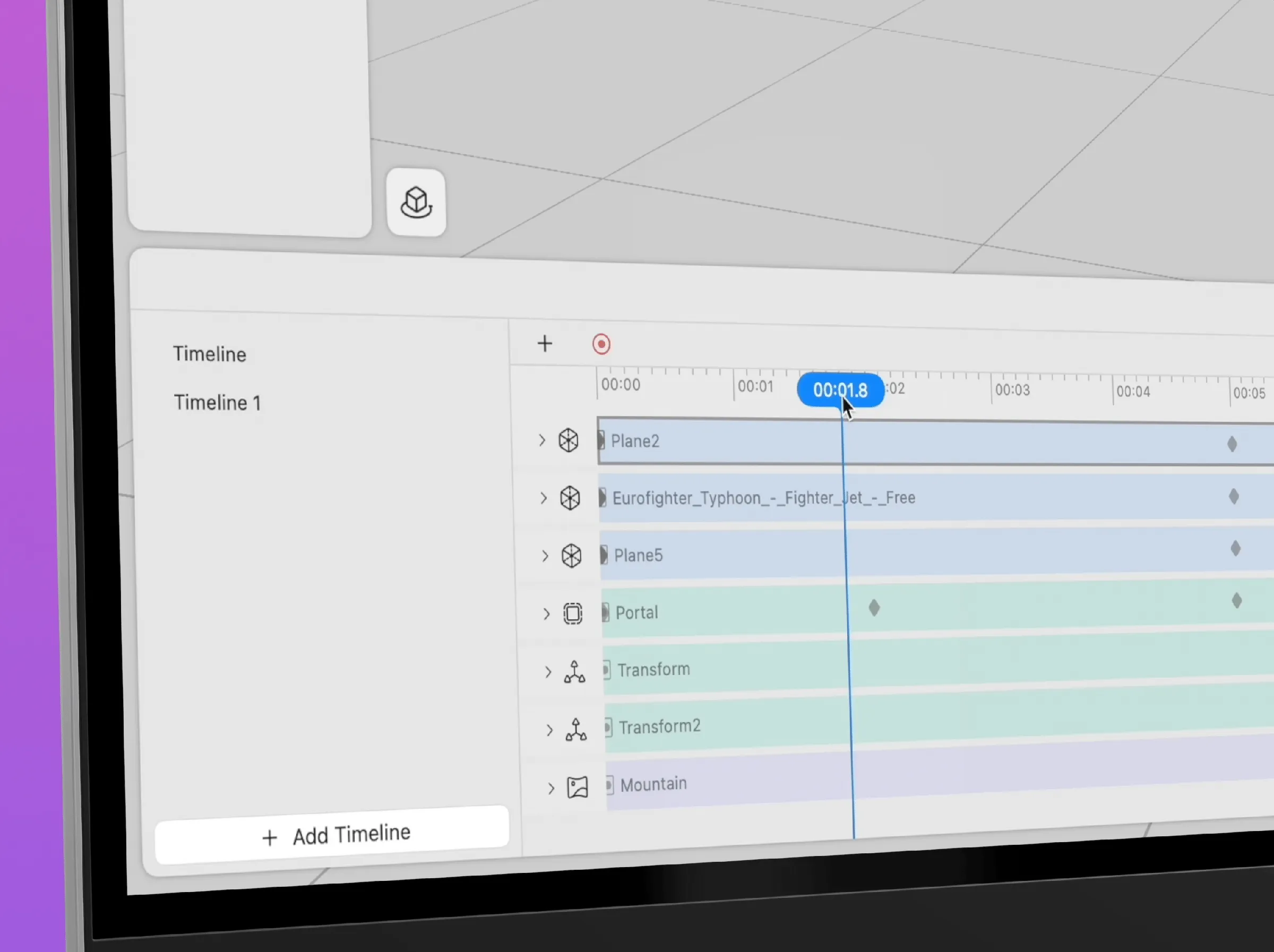
A few places Story has run.

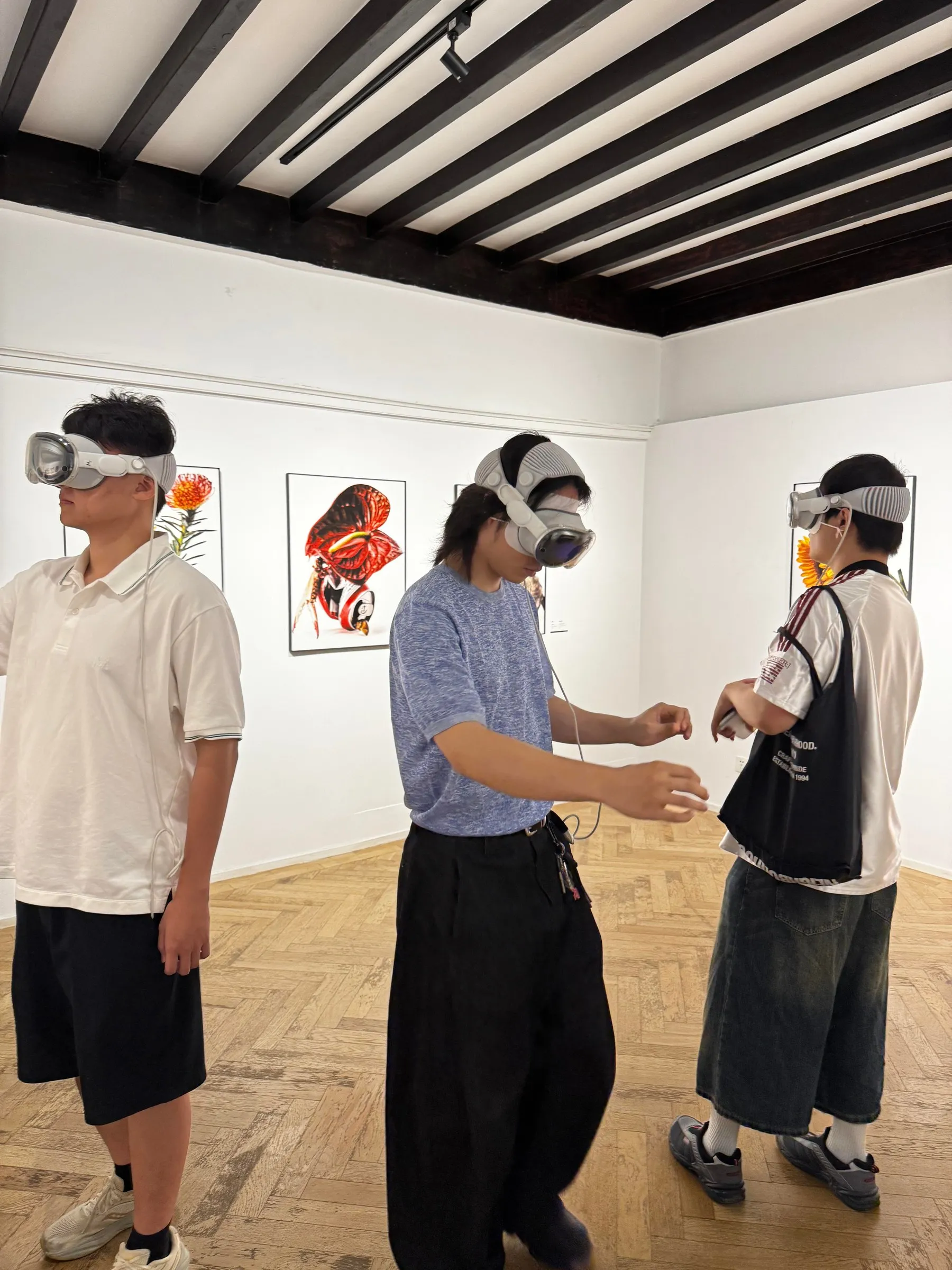
Where teams are using it.
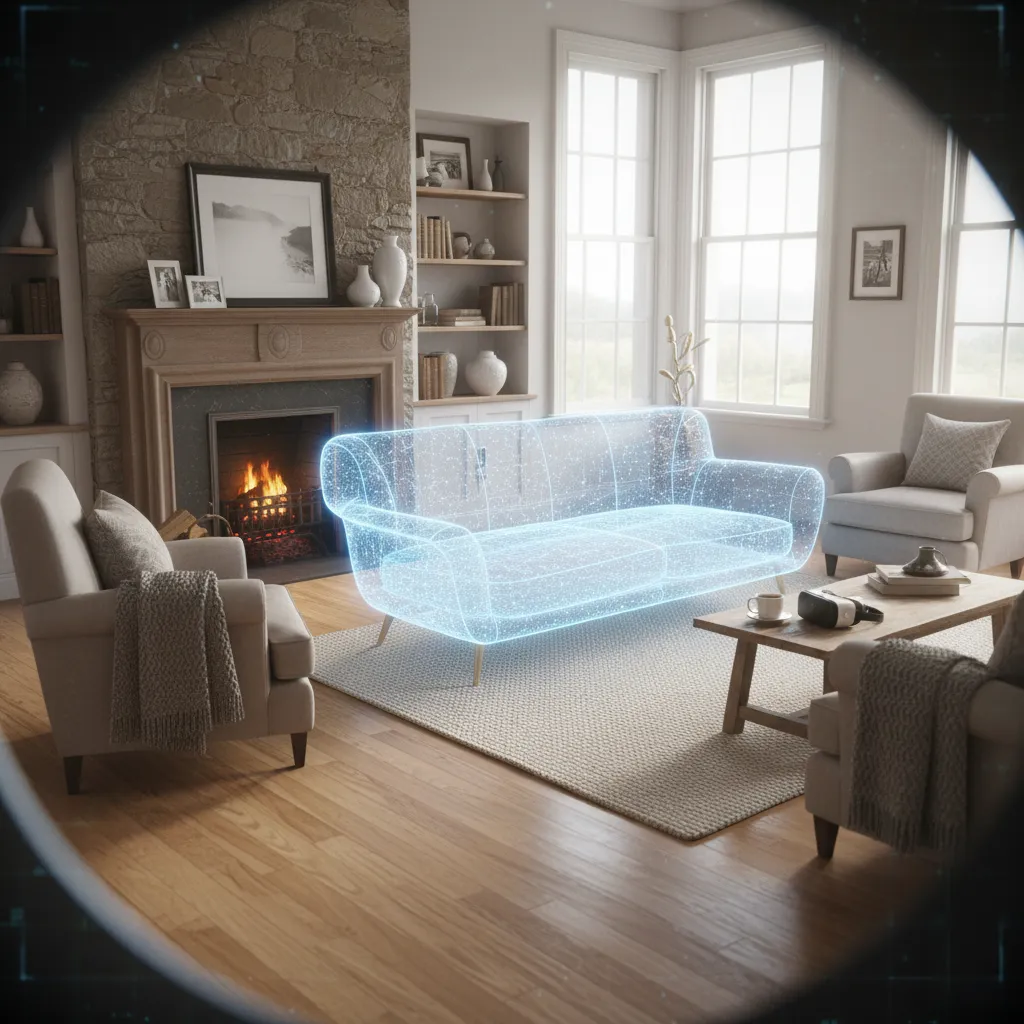
Walk clients through a space at full size before it is built.
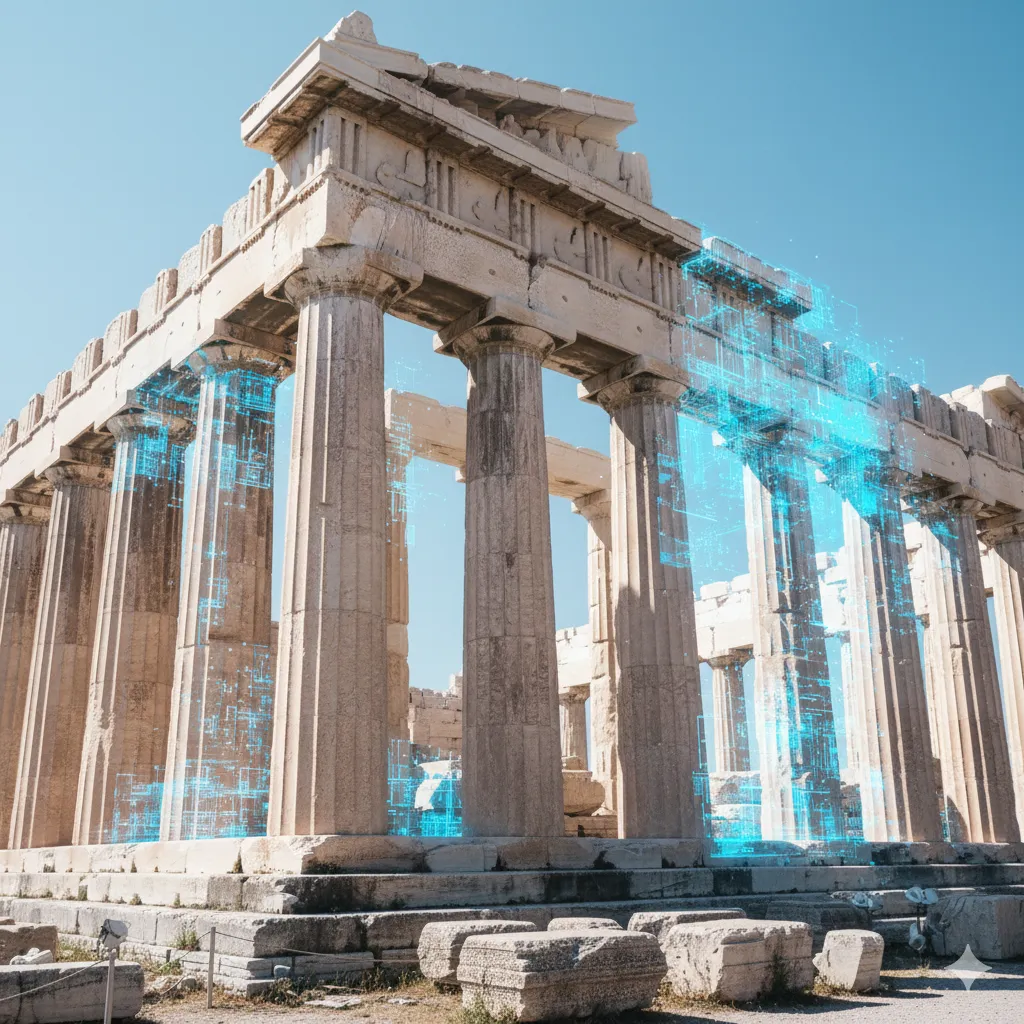
Add a layer of story to a site people are already standing in.
Put the thing you are teaching in the room, at the size it really is.
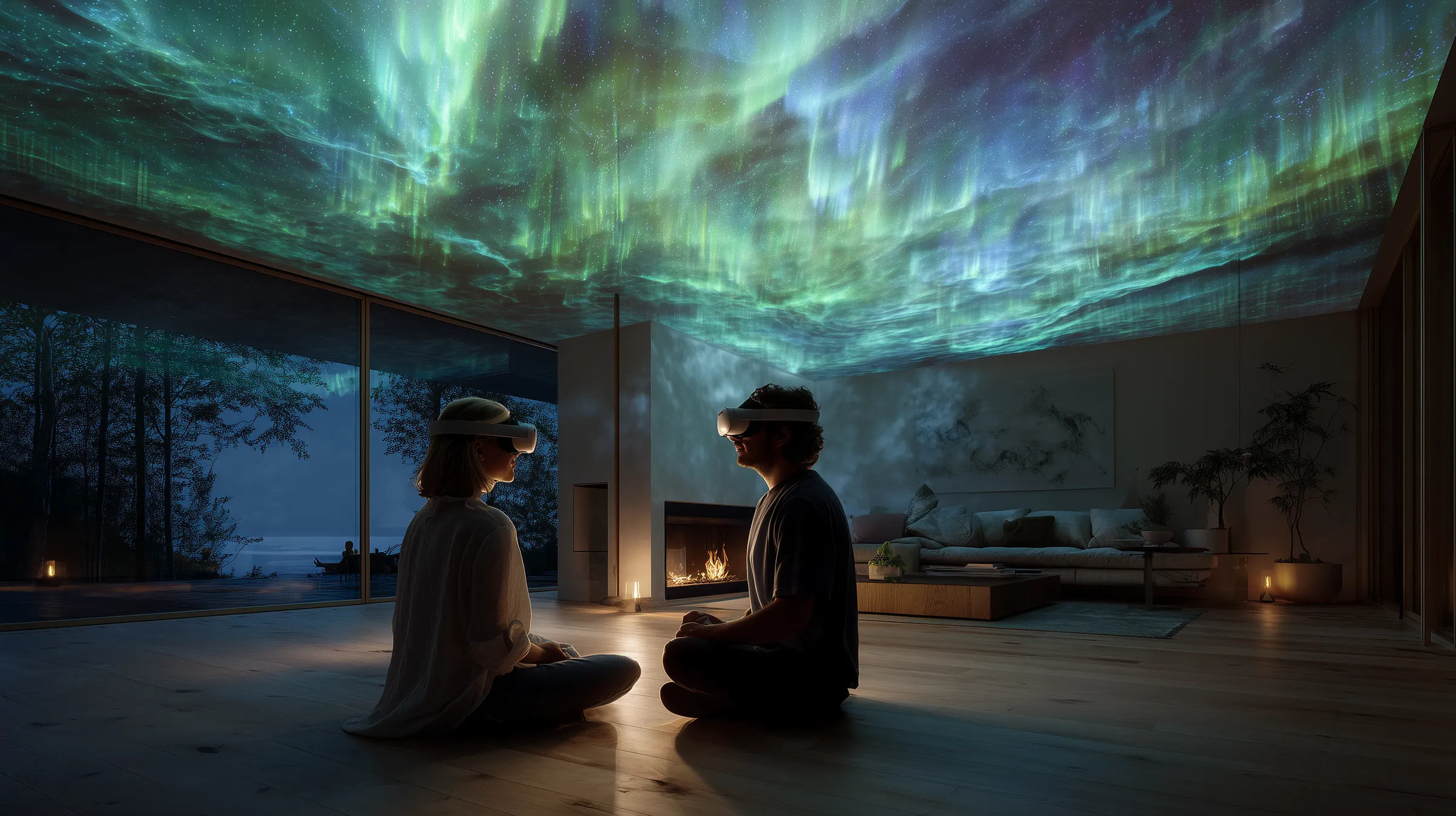
Exhibitions the audience can walk inside.

Explain anatomy and procedures with models people can look around.
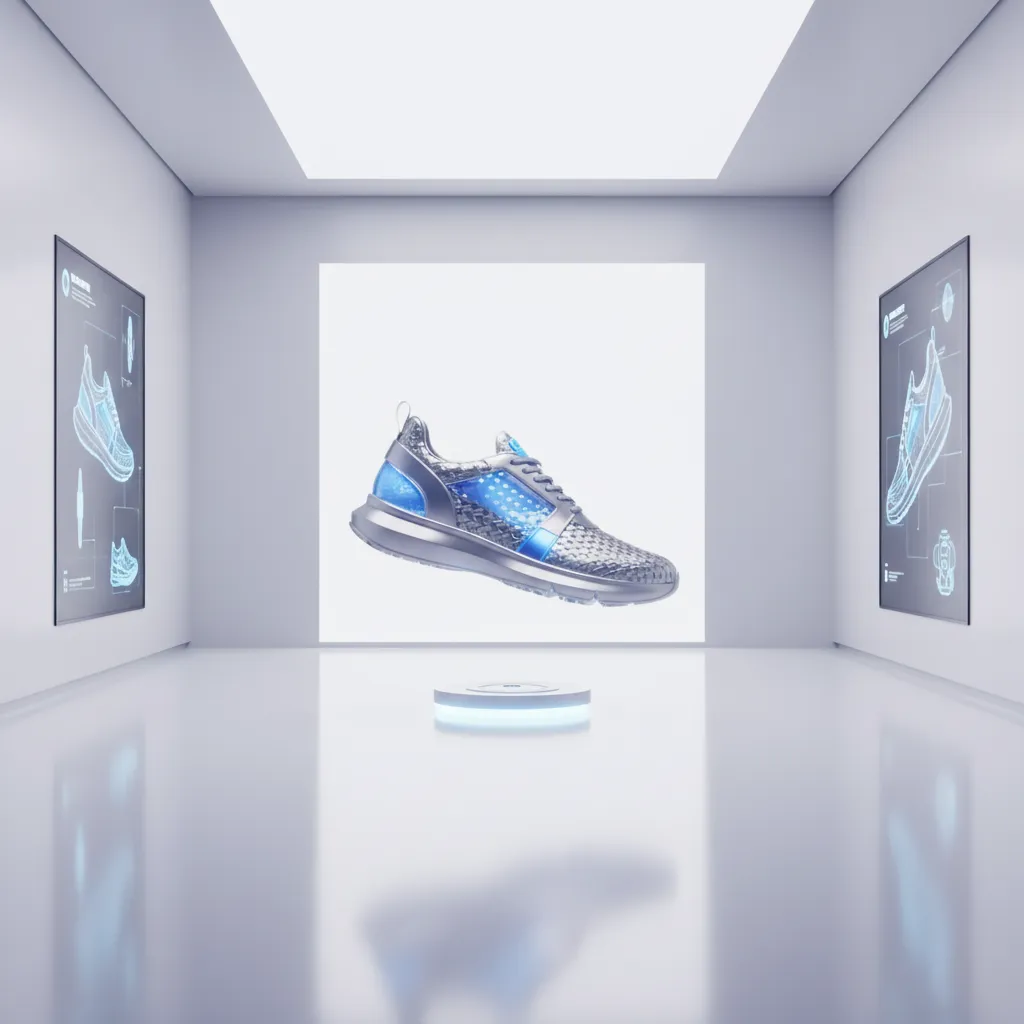
Show a product at full size, in every configuration, before it ships.
Free to start. Paid plans and custom work when you need them.
Story runs on Apple Vision Pro and PICO Space Pro. On Apple, you build in ProStory on a Mac and view in Story on the headset, with TapStory on iPhone or iPad for playback control. On PICO Space Pro, building and viewing both happen in Story. More platforms are coming.
Yes. Every Story app has a free tier. Premium and Professional lift the limits when you need more.
No. You build scenes, animation and interaction visually, using a timeline and event triggers.
Yes. SharePlay lets people join nearby or over FaceTime, and TapStory mirrors the Vision Pro view onto an iPhone or iPad.
ProStory imports usdz models, images, audio and video, including immersive video, plus skyboxes.
Yes. We take on custom content and industry projects for exhibitions, location-based entertainment, showrooms, education and retail, starting at $10K. See plans for details.
Do you have more questions? Contact us